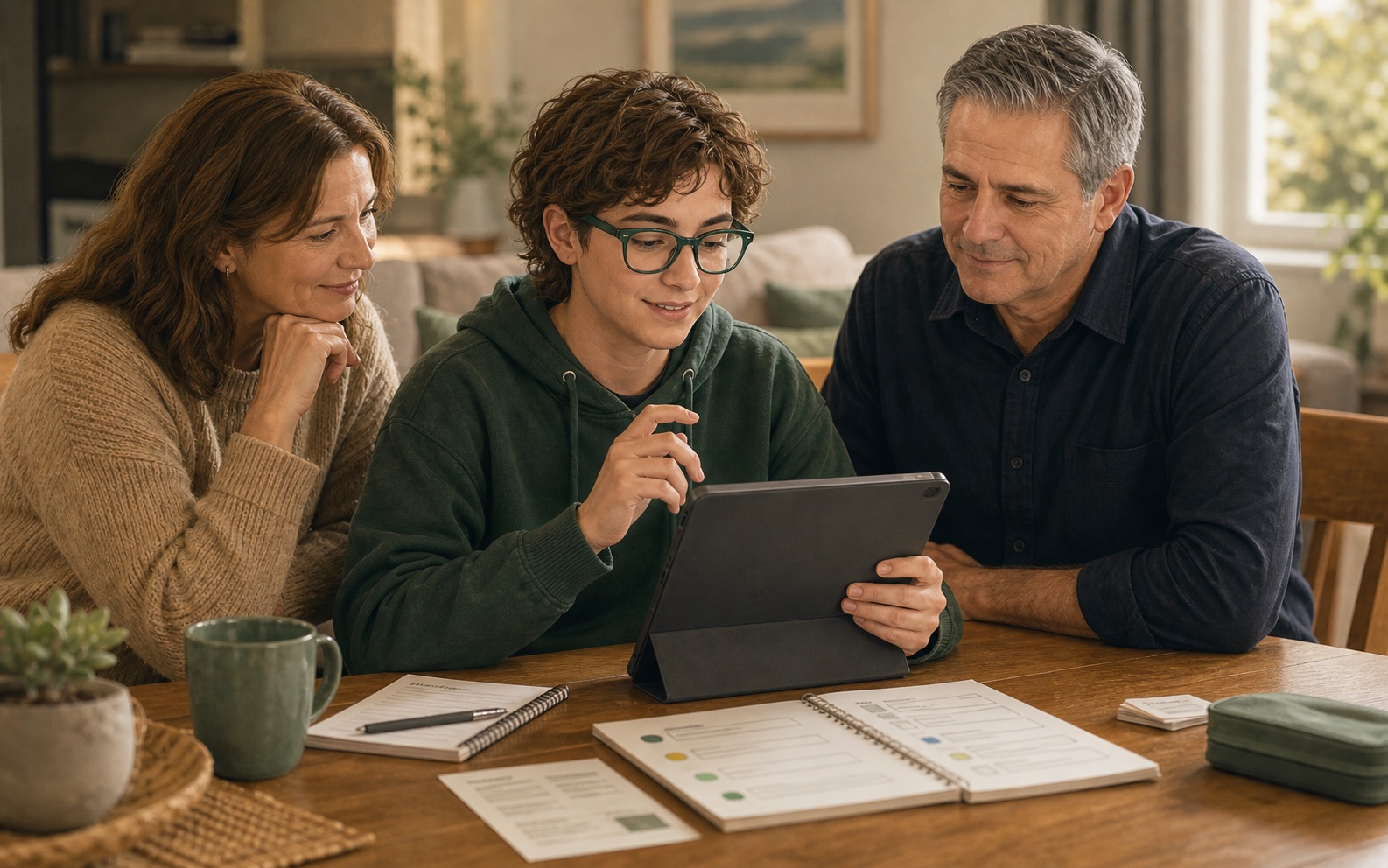
When technology is blocking independence, we make it practical.
Gray Matter Solutions gives coordinators and provider teams a clear referral option for participants whose everyday technology needs setup, simplification, training or documentation.
Good referral fit
Refer when the participant has a practical technology barrier that is making daily life, communication, safety or support harder than it needs to be.
- Video calls, phones, tablets or smart TVs are unreliable or abandoned
- Wi-Fi, passwords, apps or accounts keep derailing supports
- Accessibility settings need practical setup and training
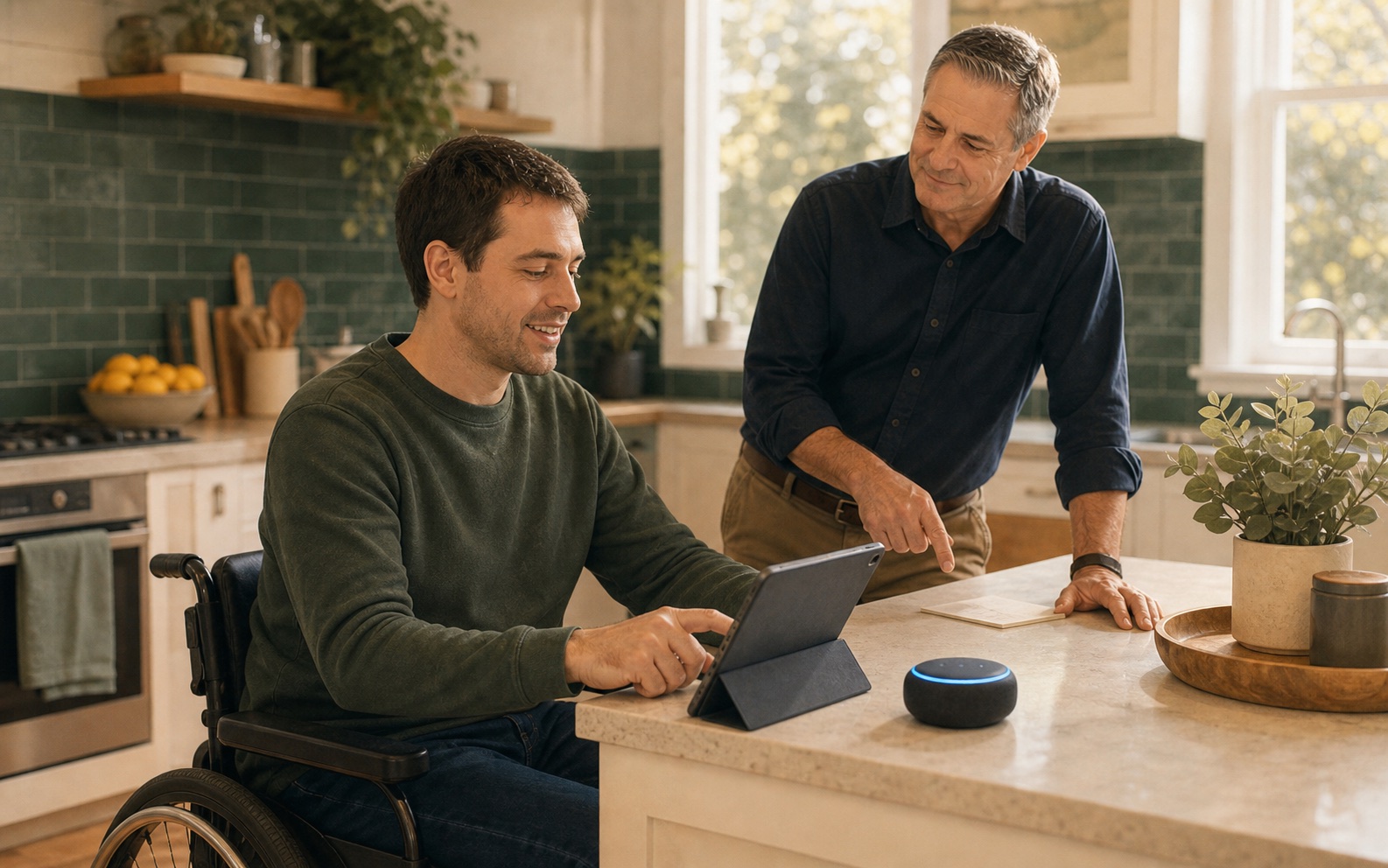
- Smart home routines could support independence or safety
- Support workers need simple instructions for the client’s home setup
- Families need clear documentation so they are not the only tech support
What you can expect
Clear scope
We agree the practical technology goal before work starts, then keep the service focused on setup, training and documentation.
Useful notes
After visits, we can provide plain-English notes that link what was done to the participant’s practical goals and support needs.
Easy handover
Families, carers and support workers can be shown how the setup works so the benefit does not disappear after one visit.
We stay in our lane
We do not provide occupational therapy, functional capacity assessments, behaviour support, clinical advice, support coordination, plan management or assistive technology prescription.
We are happy to work alongside OTs, allied health professionals, support coordinators and registered providers. Our lane is practical implementation: making everyday technology easier to use, easier to understand and easier to support.
Typical outputs
- Setup and training visit
- Plain-English support notes
- Family/carer handover
- Provider or plan-manager invoice detail
- Escalation recommendations where something sits outside our scope
Provider teams: reduce repeated tech escalations
For registered providers and care teams, we can train support workers in practical technology basics and create client-specific setup notes so workers are not left guessing during a shift.
Explore support worker training